

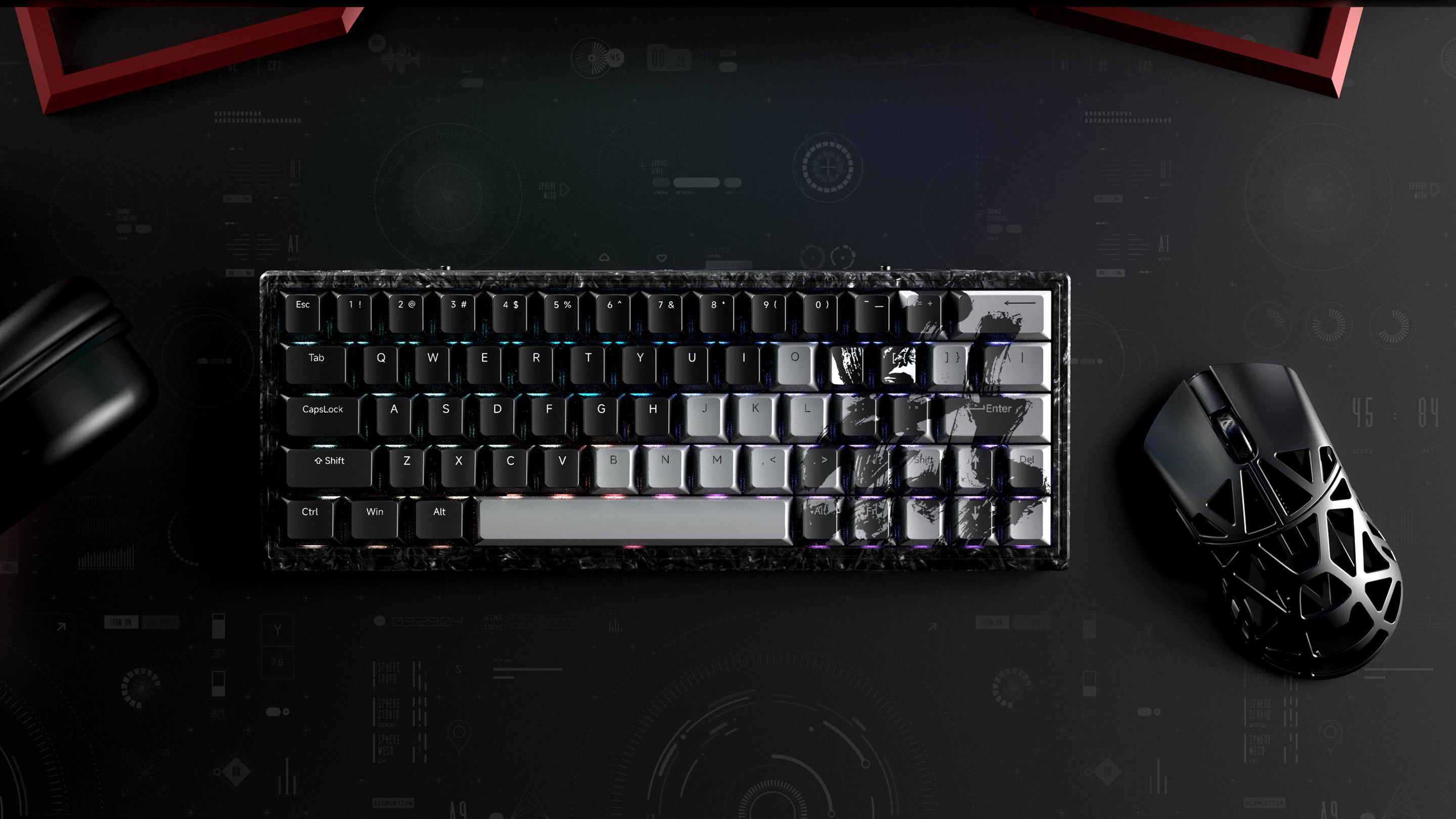
Mouse

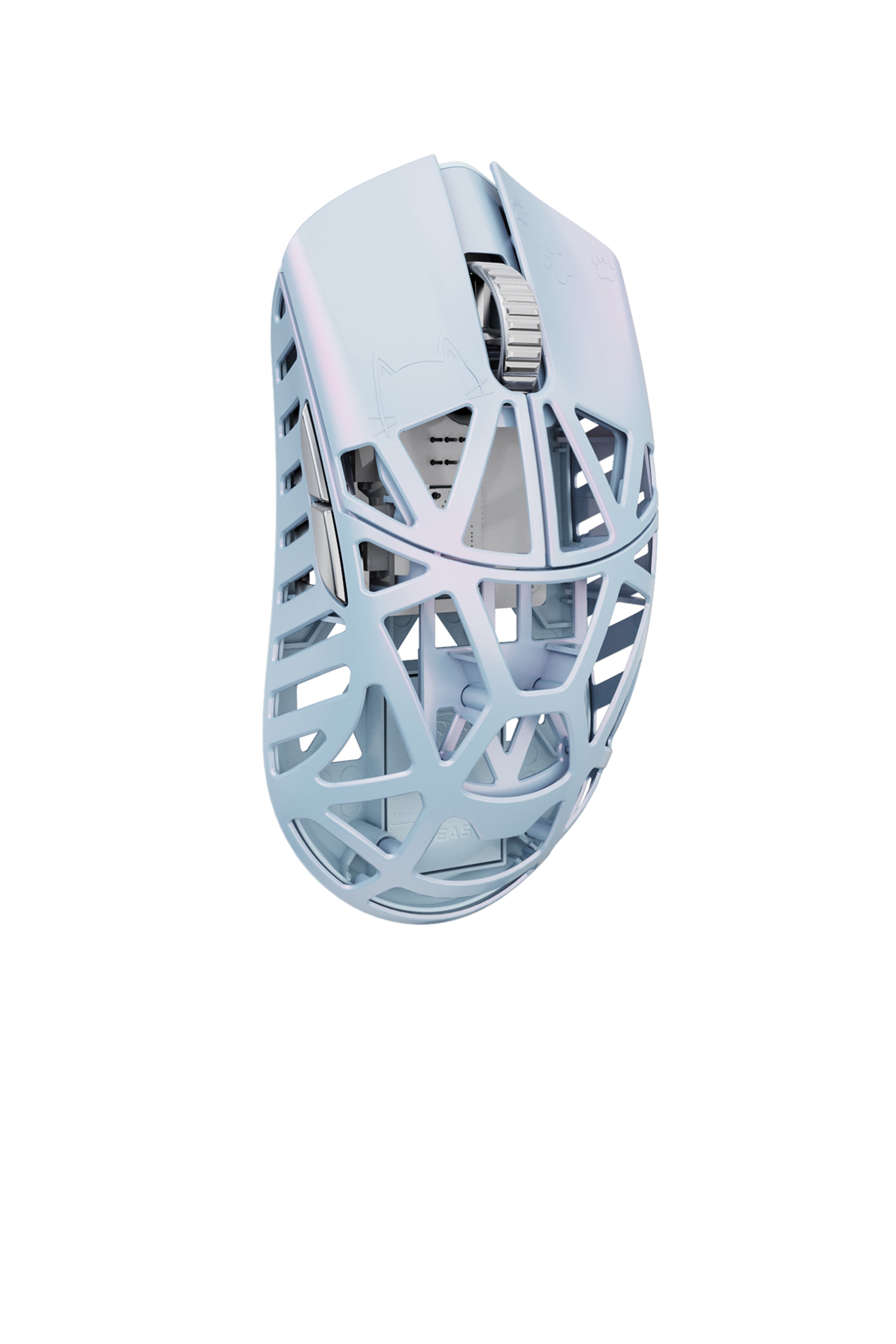
Beast X Mini
⸻
V1.0.2.7 Updates
Charging Indicator Fix
The mouse now displays a steady red light while charging (in non-USB mode without the receiver), eliminating previous confusion caused by a blinking green light.
Dongle Update Protection
Additional safeguards have been implemented to ensure dongle firmware updates are smoother and more secure.
MacOS Web Hub Fix
The Web Hub now works reliably on macOS systems.
⸻
New Features
High-Speed Mode Support
All models now support High-Speed Mode across all polling rates.
Turbo Mode
Turbo Mode introduces a fixed 20,000 FPS (frames per second), meaning the sensor scans the surface 20,000 times per second for extremely responsive and accurate tracking.
• Compatible with high polling rates
• Slightly increases power consumption
• Requires High-Speed Mode to be enabled first
⸻
Other Improvements
Includes general stability and performance enhancements to ensure a smoother, more reliable user experience.

Beast X 8K
- User Manual
- Web Hub
- Dsektop Driver
⸻
V1.0.2.7 Updates
Charging Indicator Fix
The mouse now displays a steady red light while charging (in non-USB mode without the receiver), eliminating previous confusion caused by a blinking green light.
Dongle Update Protection
Additional safeguards have been implemented to ensure dongle firmware updates are smoother and more secure.
MacOS Web Hub Fix
The Web Hub now works reliably on macOS systems.
⸻
New Features
High-Speed Mode Support
All models now support High-Speed Mode across all polling rates.
Turbo Mode
Turbo Mode introduces a fixed 20,000 FPS (frames per second), meaning the sensor scans the surface 20,000 times per second for extremely responsive and accurate tracking.
• Compatible with high polling rates
• Slightly increases power consumption
• Requires High-Speed Mode to be enabled first
⸻
Other Improvements
Includes general stability and performance enhancements to ensure a smoother, more reliable user experience.
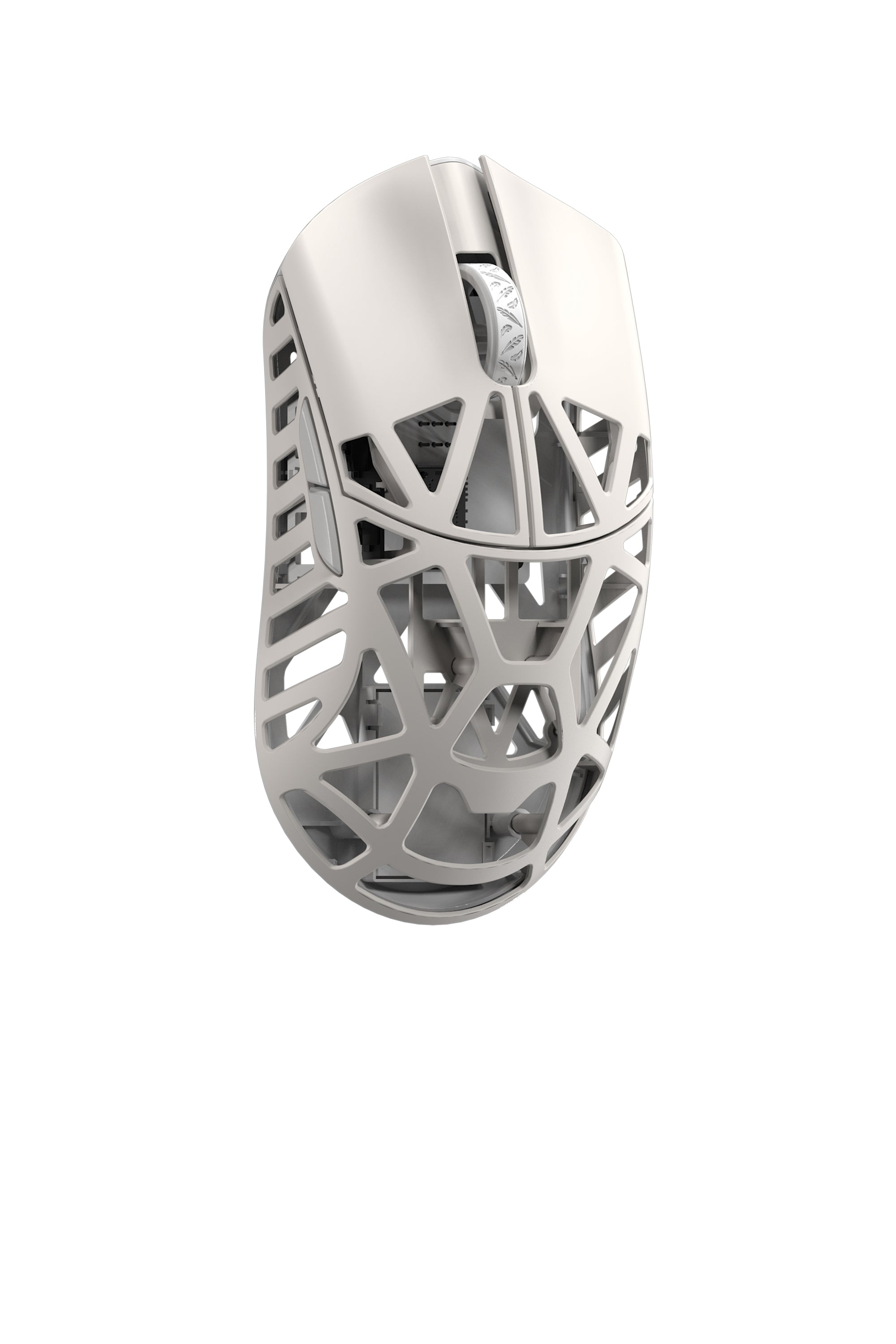
Beast X Max
- User Manual
- Web Hub
- Dsektop Driver
⸻
V1.0.2.7 Updates
Charging Indicator Fix
The mouse now displays a steady red light while charging (in non-USB mode without the receiver), eliminating previous confusion caused by a blinking green light.
Dongle Update Protection
Additional safeguards have been implemented to ensure dongle firmware updates are smoother and more secure.
MacOS Web Hub Fix
The Web Hub now works reliably on macOS systems.
⸻
New Features
High-Speed Mode Support
All models now support High-Speed Mode across all polling rates.
Turbo Mode
Turbo Mode introduces a fixed 20,000 FPS (frames per second), meaning the sensor scans the surface 20,000 times per second for extremely responsive and accurate tracking.
• Compatible with high polling rates
• Slightly increases power consumption
• Requires High-Speed Mode to be enabled first
⸻
Other Improvements
Includes general stability and performance enhancements to ensure a smoother, more reliable user experience.
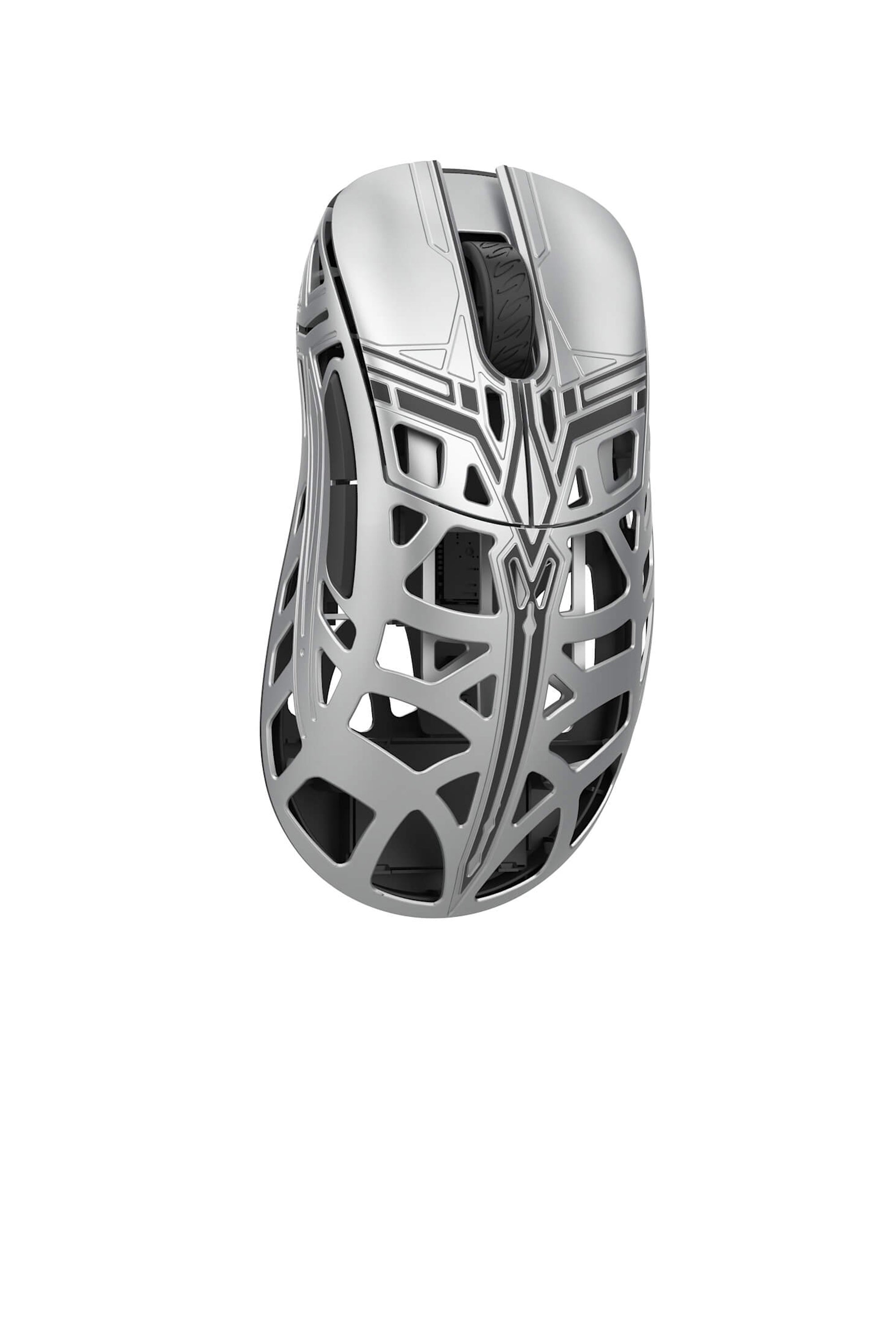
SwordX
- User Manual
- Web Hub
- Dsektop Driver
⸻
V1.0.2.7 Updates
Charging Indicator Fix
The mouse now displays a steady red light while charging (in non-USB mode without the receiver), eliminating previous confusion caused by a blinking green light.
Dongle Update Protection
Additional safeguards have been implemented to ensure dongle firmware updates are smoother and more secure.
MacOS Web Hub Fix
The Web Hub now works reliably on macOS systems.
⸻
New Features
High-Speed Mode Support
All models now support High-Speed Mode across all polling rates.
Turbo Mode
Turbo Mode introduces a fixed 20,000 FPS (frames per second), meaning the sensor scans the surface 20,000 times per second for extremely responsive and accurate tracking.
• Compatible with high polling rates
• Slightly increases power consumption
• Requires High-Speed Mode to be enabled first
⸻
Other Improvements
Includes general stability and performance enhancements to ensure a smoother, more reliable user experience.
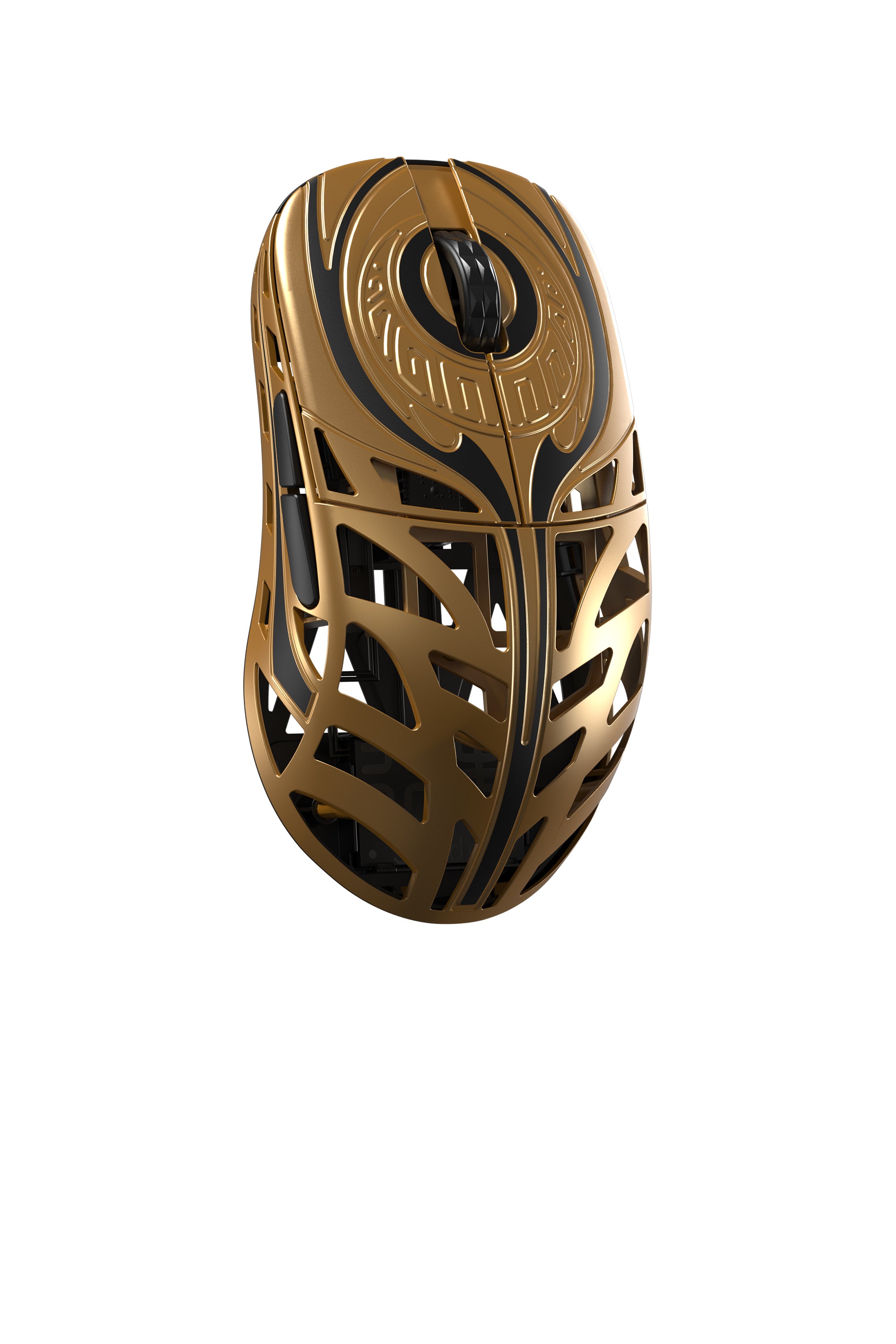
Strider
- User Manual
- Web Hub
- Dsektop Driver
⸻
V1.0.2.7 Updates
Charging Indicator Fix
The mouse now displays a steady red light while charging (in non-USB mode without the receiver), eliminating previous confusion caused by a blinking green light.
Dongle Update Protection
Additional safeguards have been implemented to ensure dongle firmware updates are smoother and more secure.
MacOS Web Hub Fix
The Web Hub now works reliably on macOS systems.
⸻
New Features
High-Speed Mode Support
All models now support High-Speed Mode across all polling rates.
Turbo Mode
Turbo Mode introduces a fixed 20,000 FPS (frames per second), meaning the sensor scans the surface 20,000 times per second for extremely responsive and accurate tracking.
• Compatible with high polling rates
• Slightly increases power consumption
• Requires High-Speed Mode to be enabled first
⸻
Other Improvements
Includes general stability and performance enhancements to ensure a smoother, more reliable user experience.
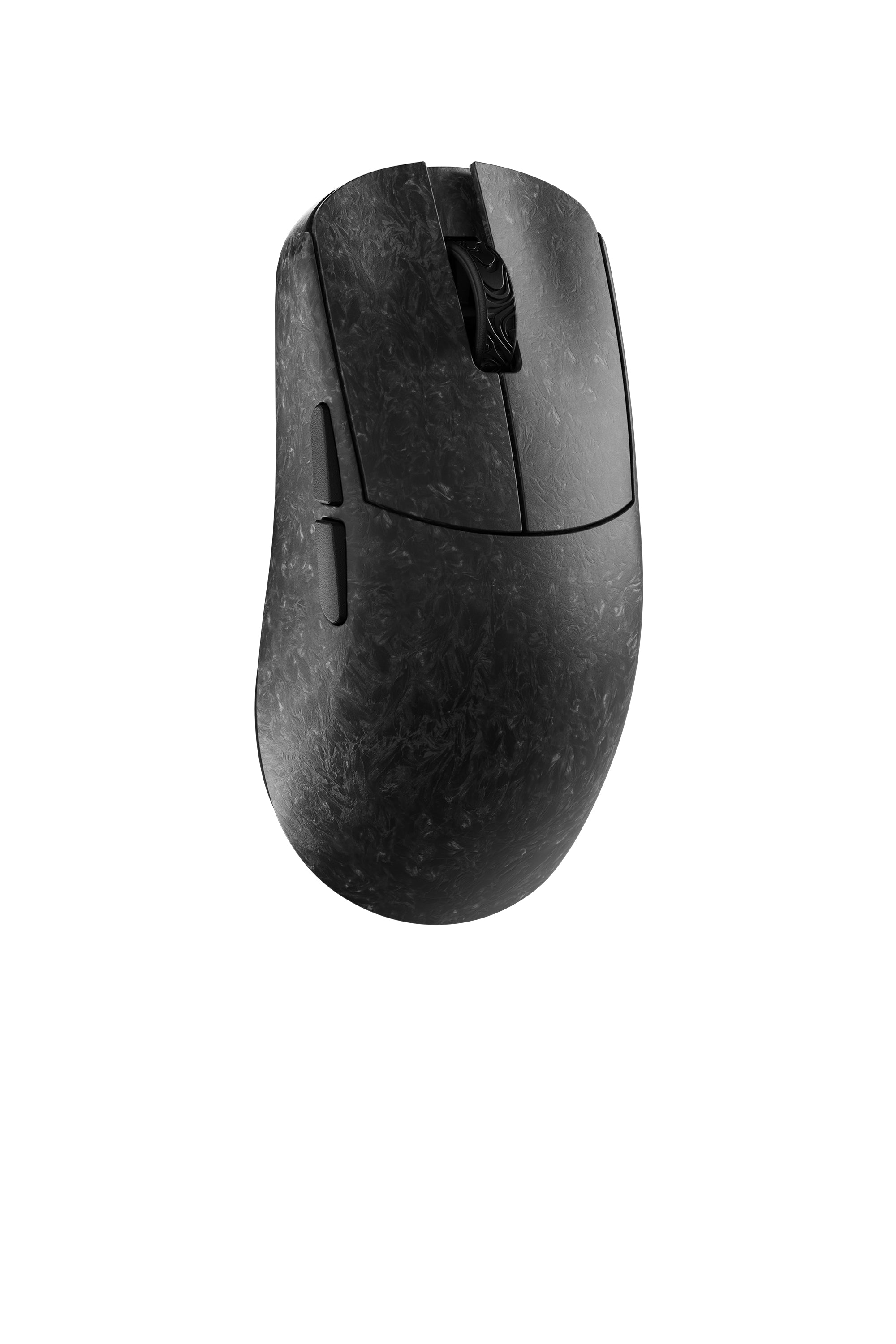
YING
- User Manual
- Web Hub
- Dsektop Driver
⸻
V1.0.2.7 Updates
Charging Indicator Fix
The mouse now displays a steady red light while charging (in non-USB mode without the receiver), eliminating previous confusion caused by a blinking green light.
Dongle Update Protection
Additional safeguards have been implemented to ensure dongle firmware updates are smoother and more secure.
MacOS Web Hub Fix
The Web Hub now works reliably on macOS systems.
⸻
New Features
High-Speed Mode Support
All models now support High-Speed Mode across all polling rates.
Turbo Mode
Turbo Mode introduces a fixed 20,000 FPS (frames per second), meaning the sensor scans the surface 20,000 times per second for extremely responsive and accurate tracking.
• Compatible with high polling rates
• Slightly increases power consumption
• Requires High-Speed Mode to be enabled first
⸻
Other Improvements
Includes general stability and performance enhancements to ensure a smoother, more reliable user experience.
Keyboard

YING 63
- User Manual
- Web Hub
⸻
Ying63 Forged Carbon Fiber Keyboard Firmware Update 1.0.05
Update Content:
1. Added DKS,TGL,RS functionality.
2. Optimize RTMC algorithm
3. Optimize MT
Make sure to use original cable to update the firmware
⸻
Ying63 Forged Carbon Fiber Keyboard Firmware Update 1.0.04
Update Content:
1. Added MT functionality.
2. Per-key lighting customization (allows input of RGB values to adjust colors).
3. Optimized layer functionality usage.
4. Fixed bugs found in the mapping function.
Make sure to use original cable to update the firmware

