Mouse

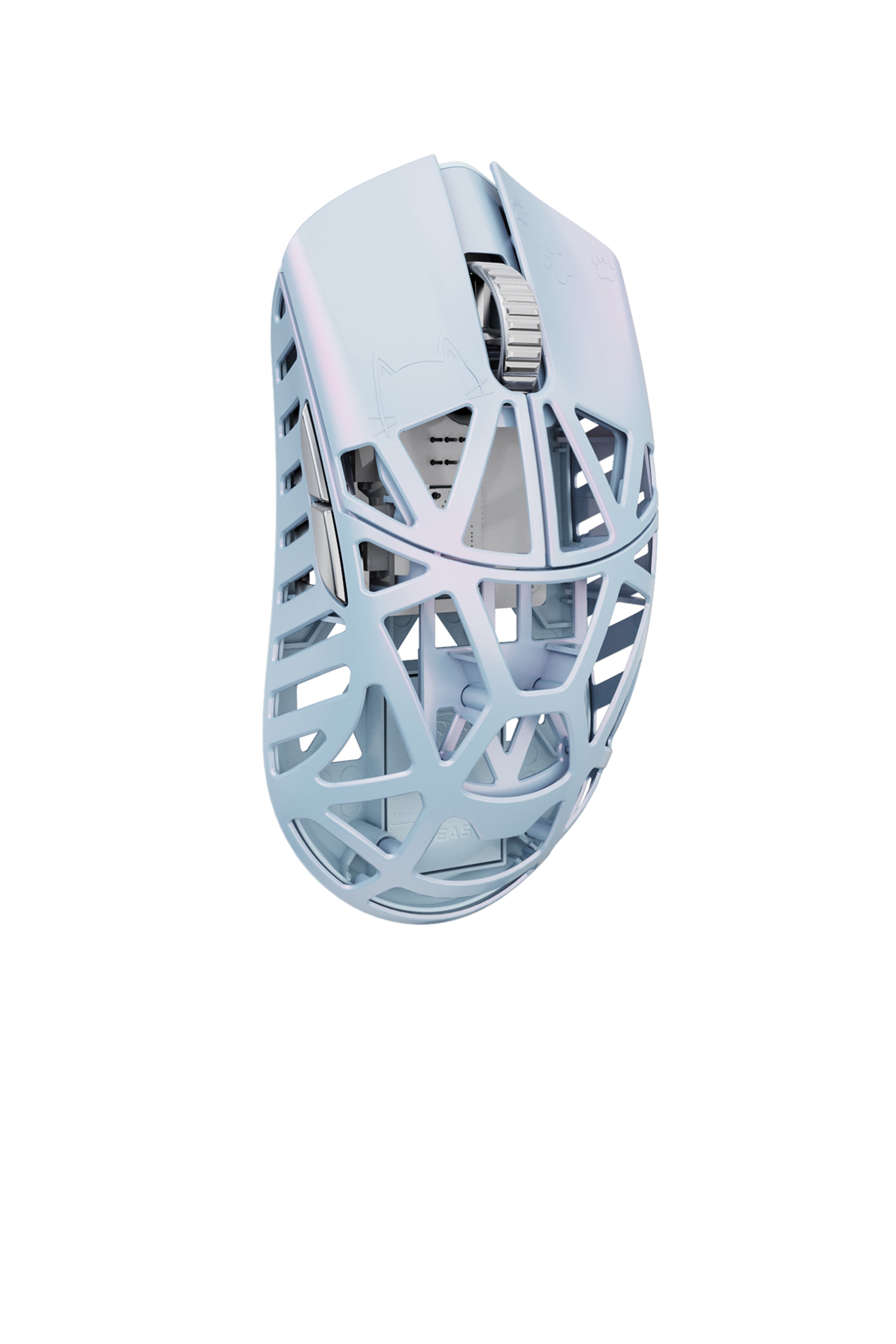
Beast X Mini/ Mini Pro
⸻
V1.0.2.7 Updates
Charging Indicator Fix
The mouse now displays a steady red light while charging (in non-USB mode without the receiver), eliminating previous confusion caused by a blinking green light.
Dongle Update Protection
Additional safeguards have been implemented to ensure dongle firmware updates are smoother and more secure.
MacOS Web Hub Fix
The Web Hub now works reliably on macOS systems.
⸻
New Features
High-Speed Mode Support
All models now support High-Speed Mode across all polling rates.
Turbo Mode
Turbo Mode introduces a fixed 20,000 FPS (frames per second), meaning the sensor scans the surface 20,000 times per second for extremely responsive and accurate tracking.
• Compatible with high polling rates
• Slightly increases power consumption
• Requires High-Speed Mode to be enabled first
⸻
Other Improvements
Includes general stability and performance enhancements to ensure a smoother, more reliable user experience.

Beast X 8K / X Pro
⸻
V1.0.2.7 Updates
Charging Indicator Fix
The mouse now displays a steady red light while charging (in non-USB mode without the receiver), eliminating previous confusion caused by a blinking green light.
Dongle Update Protection
Additional safeguards have been implemented to ensure dongle firmware updates are smoother and more secure.
MacOS Web Hub Fix
The Web Hub now works reliably on macOS systems.
⸻
New Features
High-Speed Mode Support
All models now support High-Speed Mode across all polling rates.
Turbo Mode
Turbo Mode introduces a fixed 20,000 FPS (frames per second), meaning the sensor scans the surface 20,000 times per second for extremely responsive and accurate tracking.
• Compatible with high polling rates
• Slightly increases power consumption
• Requires High-Speed Mode to be enabled first
⸻
Other Improvements
Includes general stability and performance enhancements to ensure a smoother, more reliable user experience.
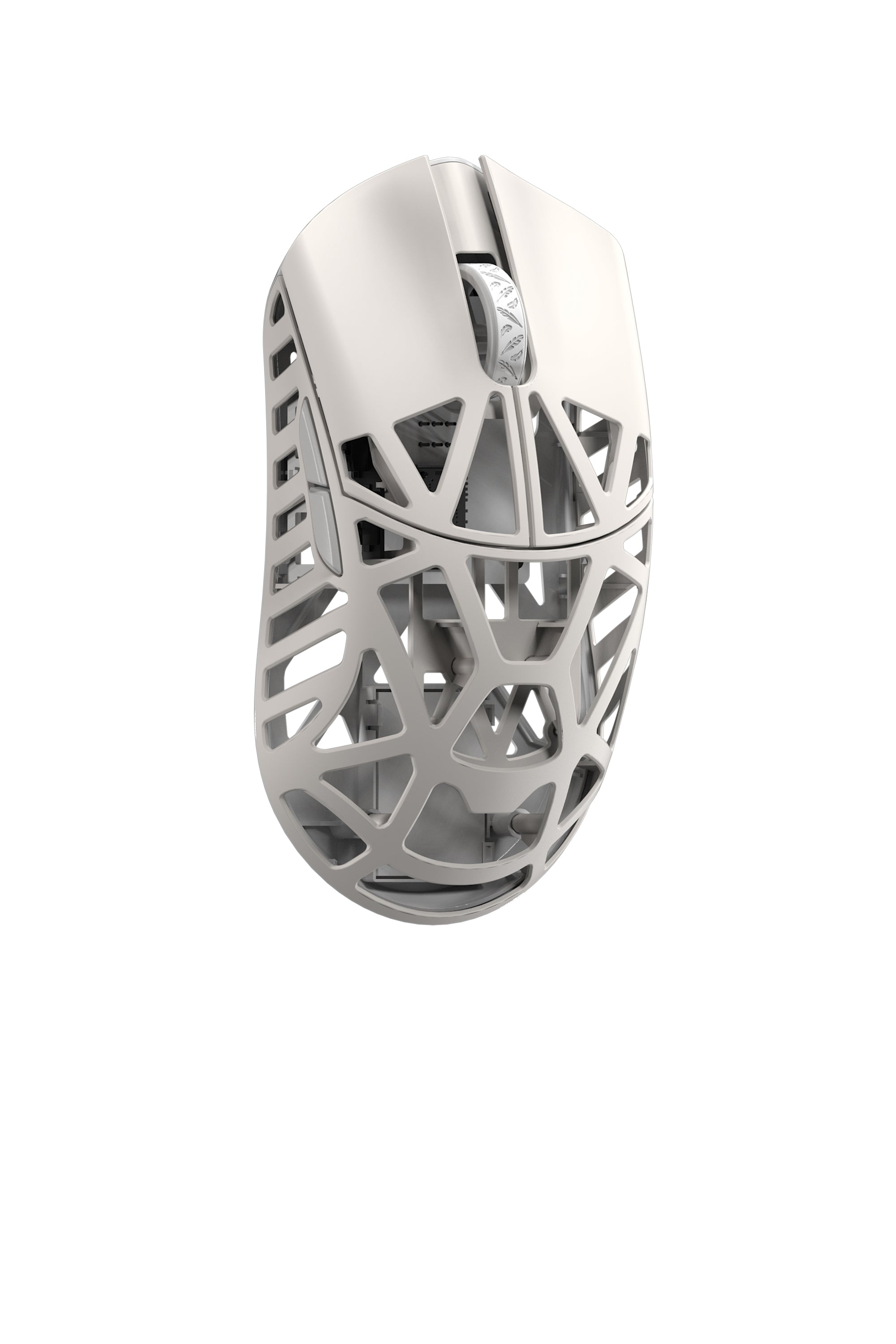
Beast X Max
⸻
V1.0.2.7 Updates
Charging Indicator Fix
The mouse now displays a steady red light while charging (in non-USB mode without the receiver), eliminating previous confusion caused by a blinking green light.
Dongle Update Protection
Additional safeguards have been implemented to ensure dongle firmware updates are smoother and more secure.
MacOS Web Hub Fix
The Web Hub now works reliably on macOS systems.
⸻
New Features
High-Speed Mode Support
All models now support High-Speed Mode across all polling rates.
Turbo Mode
Turbo Mode introduces a fixed 20,000 FPS (frames per second), meaning the sensor scans the surface 20,000 times per second for extremely responsive and accurate tracking.
• Compatible with high polling rates
• Slightly increases power consumption
• Requires High-Speed Mode to be enabled first
⸻
Other Improvements
Includes general stability and performance enhancements to ensure a smoother, more reliable user experience.
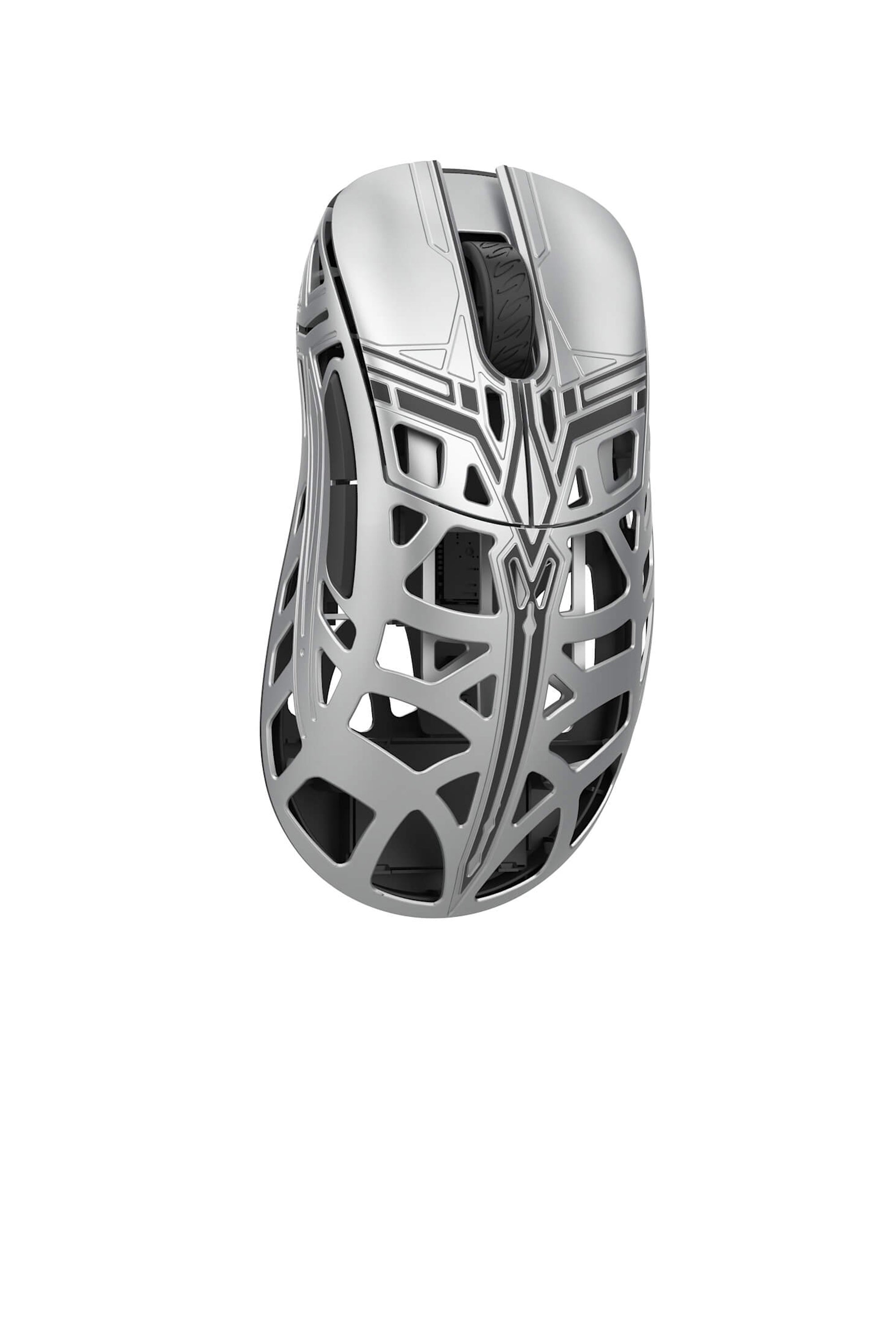
SwordX
⸻
V1.0.2.7 Updates
Charging Indicator Fix
The mouse now displays a steady red light while charging (in non-USB mode without the receiver), eliminating previous confusion caused by a blinking green light.
Dongle Update Protection
Additional safeguards have been implemented to ensure dongle firmware updates are smoother and more secure.
MacOS Web Hub Fix
The Web Hub now works reliably on macOS systems.
⸻
New Features
High-Speed Mode Support
All models now support High-Speed Mode across all polling rates.
Turbo Mode
Turbo Mode introduces a fixed 20,000 FPS (frames per second), meaning the sensor scans the surface 20,000 times per second for extremely responsive and accurate tracking.
• Compatible with high polling rates
• Slightly increases power consumption
• Requires High-Speed Mode to be enabled first
⸻
Other Improvements
Includes general stability and performance enhancements to ensure a smoother, more reliable user experience.
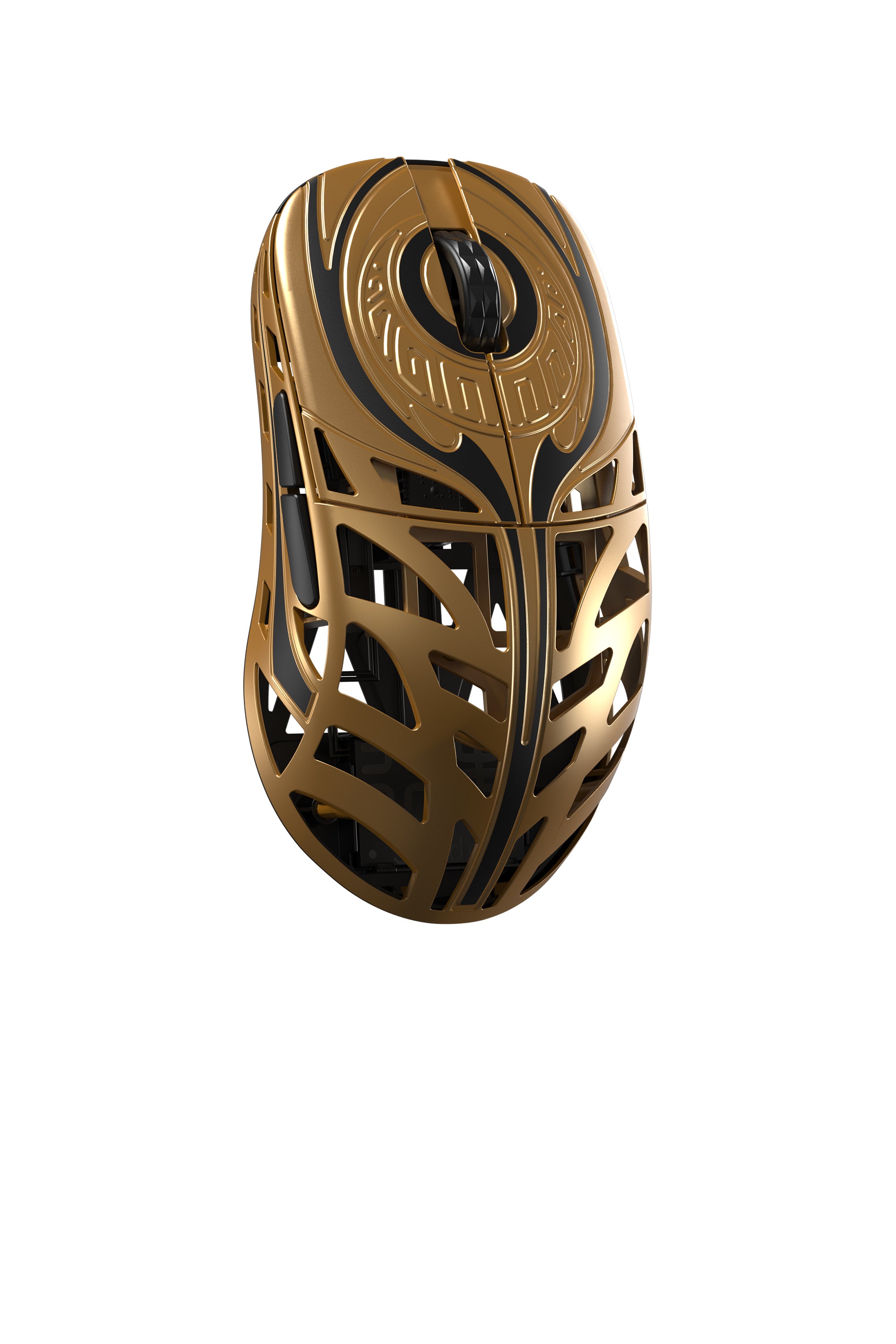
Strider
⸻
V1.0.2.7 Updates
Charging Indicator Fix
The mouse now displays a steady red light while charging (in non-USB mode without the receiver), eliminating previous confusion caused by a blinking green light.
Dongle Update Protection
Additional safeguards have been implemented to ensure dongle firmware updates are smoother and more secure.
MacOS Web Hub Fix
The Web Hub now works reliably on macOS systems.
⸻
New Features
High-Speed Mode Support
All models now support High-Speed Mode across all polling rates.
Turbo Mode
Turbo Mode introduces a fixed 20,000 FPS (frames per second), meaning the sensor scans the surface 20,000 times per second for extremely responsive and accurate tracking.
• Compatible with high polling rates
• Slightly increases power consumption
• Requires High-Speed Mode to be enabled first
⸻
Other Improvements
Includes general stability and performance enhancements to ensure a smoother, more reliable user experience.
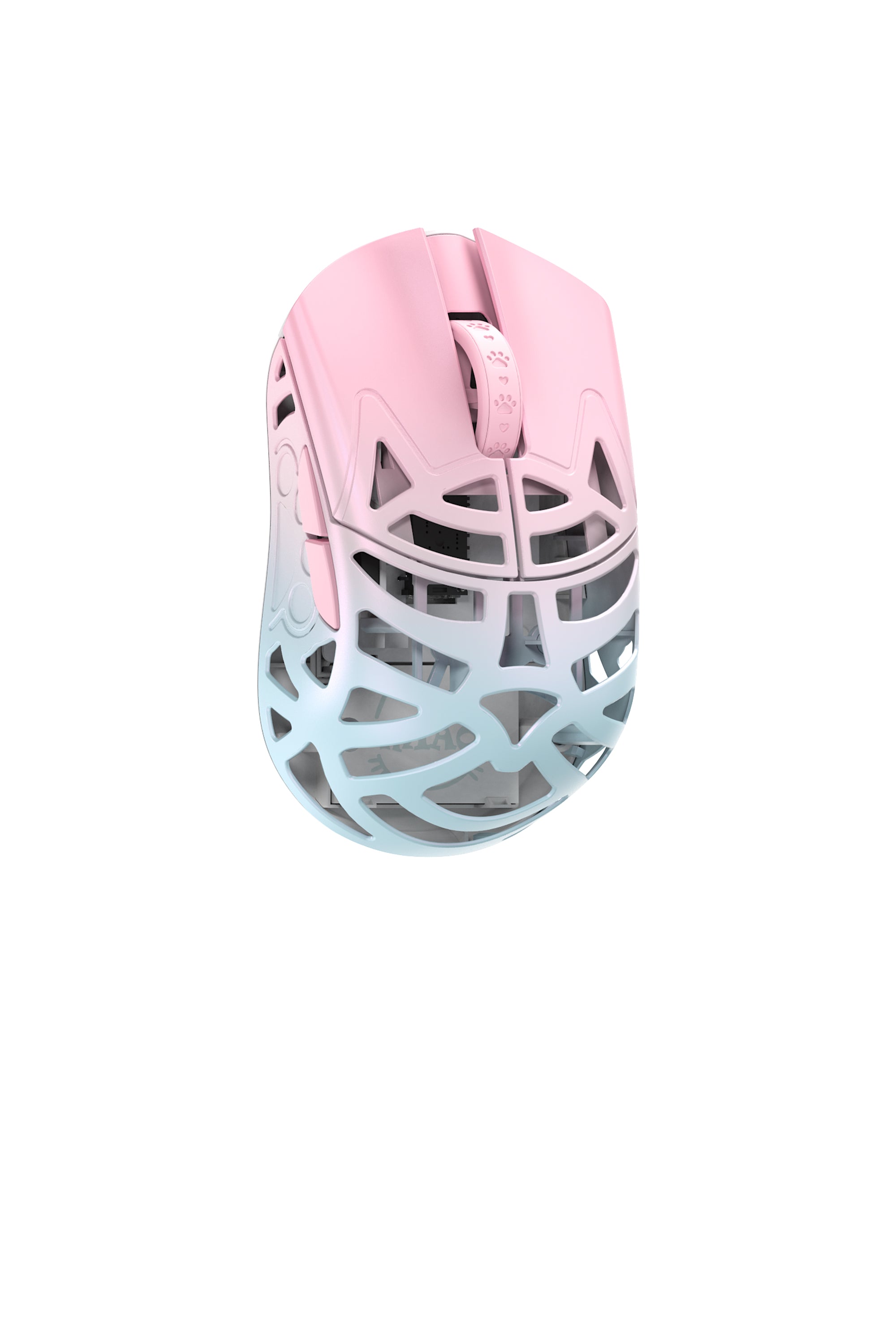
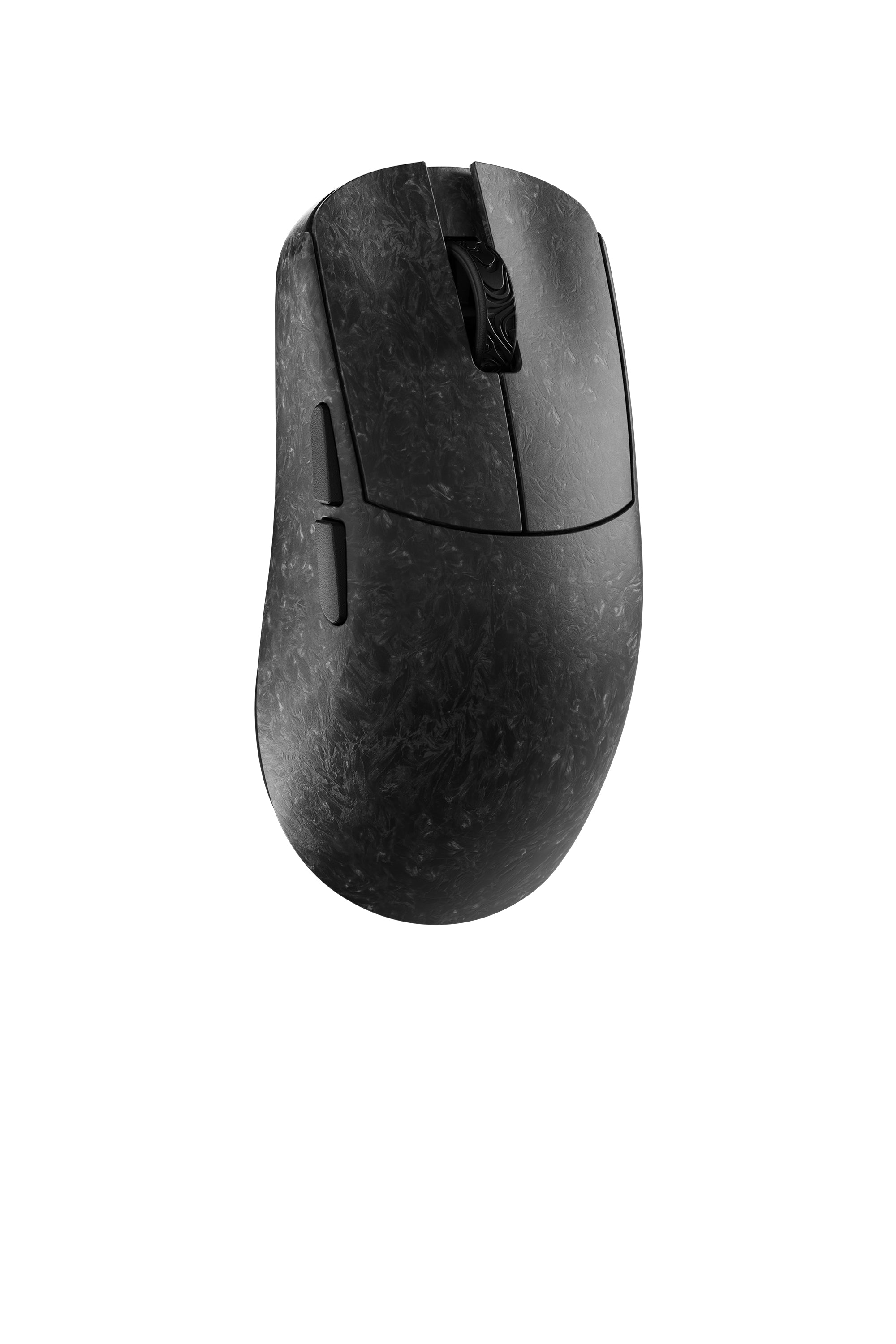
YING (CF/MG)
⸻
V1.0.2.7 Updates
Charging Indicator Fix
The mouse now displays a steady red light while charging (in non-USB mode without the receiver), eliminating previous confusion caused by a blinking green light.
Dongle Update Protection
Additional safeguards have been implemented to ensure dongle firmware updates are smoother and more secure.
MacOS Web Hub Fix
The Web Hub now works reliably on macOS systems.
⸻
New Features
High-Speed Mode Support
All models now support High-Speed Mode across all polling rates.
Turbo Mode
Turbo Mode introduces a fixed 20,000 FPS (frames per second), meaning the sensor scans the surface 20,000 times per second for extremely responsive and accurate tracking.
• Compatible with high polling rates
• Slightly increases power consumption
• Requires High-Speed Mode to be enabled first
⸻
Other Improvements
Includes general stability and performance enhancements to ensure a smoother, more reliable user experience.
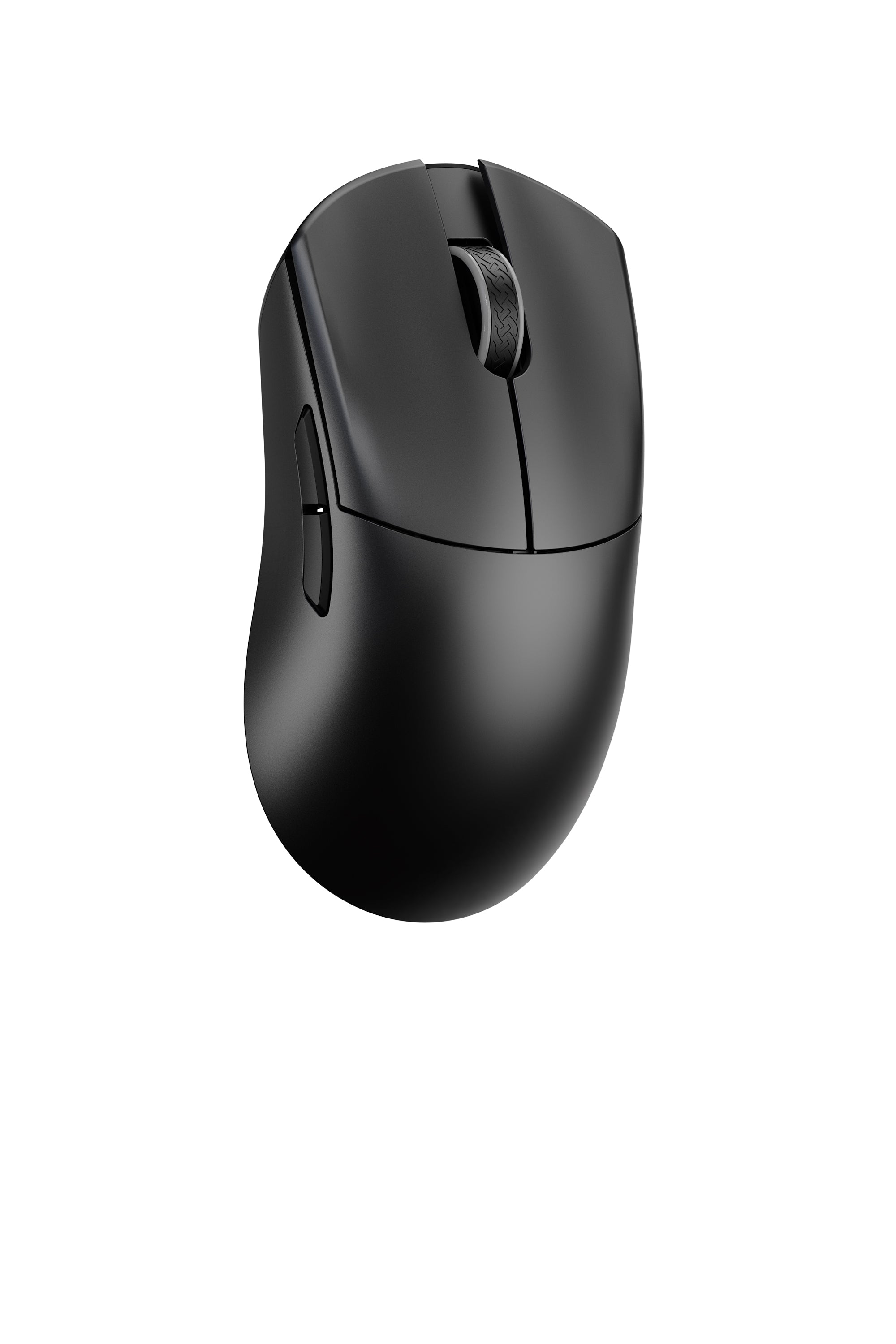
HUAN / HUAN M
- Web Hub
- Desktop Driver
- HUAN User Manual
- HUAN M User Manual
🆕 2026/02/03
----
New Driver Features
•Image upload support
• GIFs : Available in the image library for user selection
• PNG / JPG user uploads (auto-crop to 360×360)
• Sensor angle tuning has been added
Mouse Firmware Updates
• Optimized an issue where mouse buttons could occasionally register as long presses
• Updated battery level indicator logic to improve behavior when battery drops below 20 percent
• Improved receiver detection behavior. The mouse will now enter sleep mode after 30 seconds if no receiver is detected
• Fixed an issue in wireless mode where abnormal button latency could occasionally occur after waking from sleep
• Fixed an issue where the actual sleep time could occasionally exceed the configured sleep timer while connected and idle
• Fixed an issue in wired mode where the mouse could occasionally require a power toggle reset after PC startup
Driver Software Updates
• Added delay adjustment in the macro editor
• Fixed an issue where binding keyboard key combinations could cause system errors
• Improved macro logic
• When stopping a macro, all keys held by that macro will now be properly released
• Prevents keys held by other active macros from being incorrectly released when a different macro is stopped
• Angle snapping now applies instantly without requiring sleep or power toggle reset to function
Keyboard

YING 63
- User Manual
- Web Hub
⸻
Ying63 Forged Carbon Fiber Keyboard Firmware Update 1.0.05
Update Content:
1. Added DKS,TGL,RS functionality.
2. Optimize RTMC algorithm
3. Optimize MT
Make sure to use original cable to update the firmware
⸻
Ying63 Forged Carbon Fiber Keyboard Firmware Update 1.0.04
Update Content:
1. Added MT functionality.
2. Per-key lighting customization (allows input of RGB values to adjust colors).
3. Optimized layer functionality usage.
4. Fixed bugs found in the mapping function.
Make sure to use original cable to update the firmware