

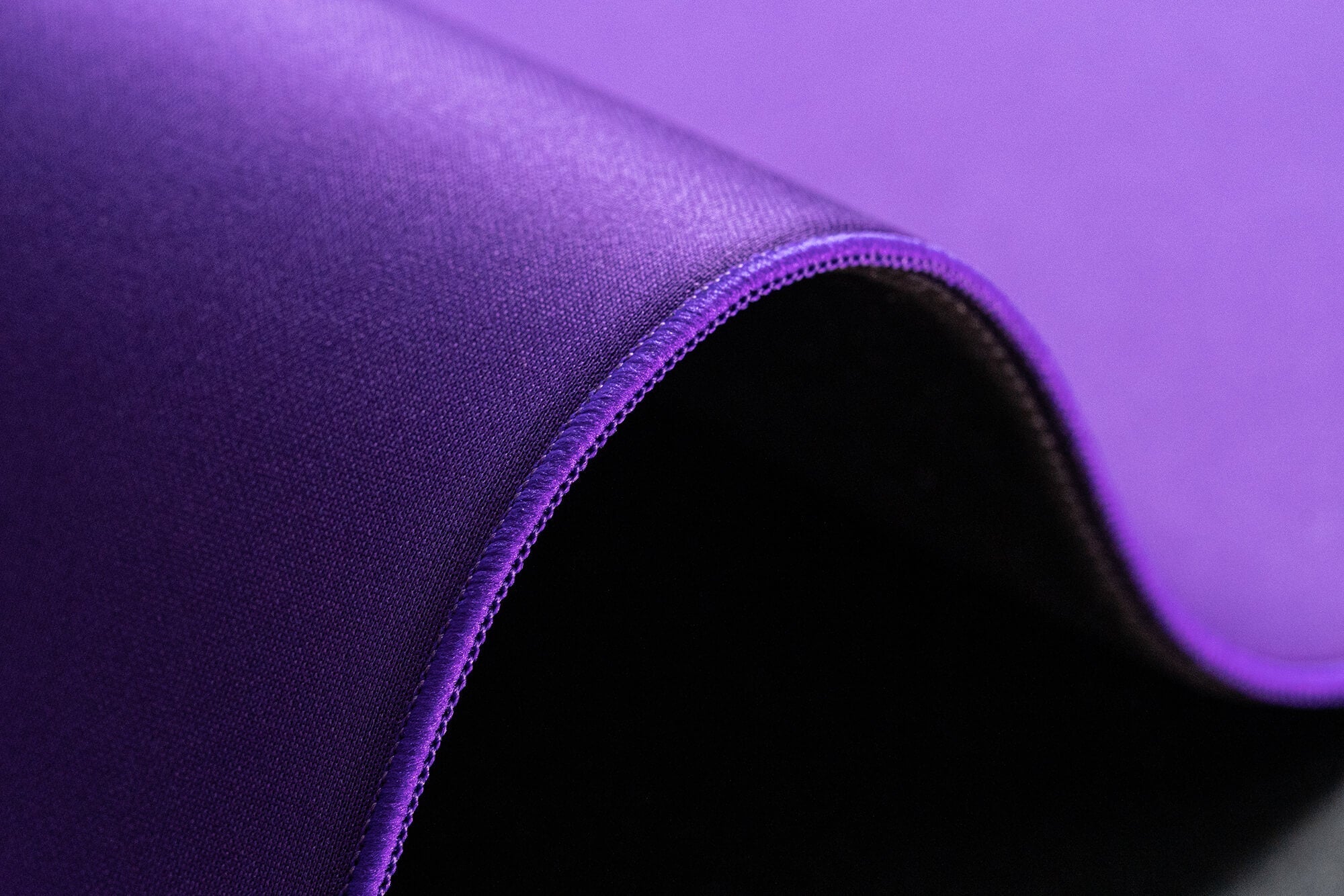

How to Clean Your Mousepad: A Guide for Cloth and Glass Pads
Whether you’ve upgraded to a premium cloth mousepad or switched to a sleek glass pad, regular cleaning helps maintain a smooth glide, consistent tracking, and a comfortable gaming setup.
This WLMOUSE guide explains how to safely clean both cloth and glass mousepads without damaging their surfaces.
Always check the care instructions provided by your mousepad’s manufacturer before using water or cleaning products.
Quick Cleaning for Cloth Mousepads
Need a quick refresh between gaming sessions? Follow these steps:
-
Remove loose dust with a clean, dry microfiber cloth.
-
Lightly dampen the cloth with water.
-
Wipe the mousepad using smooth, gentle strokes.
-
Let the surface dry completely before using it again.
This method works well for light dust, fingerprints, and minor sweat buildup.
Avoid spraying cleaners or disinfectants directly onto the mousepad. Some formulas can affect the fabric, printed design, or rubber base.
Deep Cleaning a Cloth Mousepad
Over time, sweat, skin oils, and dust can build up in the fabric. When your mousepad needs a deeper clean:
-
Place it in a bathtub, sink, or large container.
-
Add enough lukewarm water to cover the surface. Never use hot water.
-
Mix in a small amount of mild, fragrance-free dish soap.
-
Gently clean the surface with a soft cloth or soft-bristle brush.
-
Rinse thoroughly until no soap remains.
-
Lay the mousepad flat in a shaded, well-ventilated area.
-
Allow it to air-dry completely before use.
Do not wring, twist, tumble-dry, or place the mousepad in direct sunlight. Heat and rough handling can damage the surface, lift the edges, or warp the rubber base.
Cloth Mousepad Care Tips
-
Deep-clean only when necessary, as frequent washing can gradually wear down the material.
-
Avoid bleach, fabric softener, strong fragrances, and harsh cleaning chemicals.
-
Do not use abrasive sponges or stiff brushes.
-
Avoid lint rollers that pull aggressively at the fabric weave.
-
Always dry the mousepad flat to help it retain its shape.
Cleaning a Glass Mousepad
Glass mousepads are generally quick and easy to maintain. For everyday cleaning:
-
Wipe the surface with a clean, dry microfiber cloth.
-
Check that no dust or hard particles remain before playing.
Removing small particles regularly helps maintain a consistent glide and reduces the chance of unwanted noise or scratching.
Deep Cleaning a Glass Mousepad
For fingerprints, oils, or stubborn marks:
-
Add a small drop of mild dish soap to lukewarm water.
-
Lightly dampen a soft microfiber cloth. Do not soak it.
-
Gently wipe the glass surface.
-
Wipe again with a separate cloth lightly dampened with clean water.
-
Dry the surface with a clean microfiber cloth to prevent streaks.
Never spray water or cleaner directly onto the mousepad. Applying it to the cloth first gives you better control and helps keep moisture away from the edges and base.
Glass Mousepad Care Tips
-
Avoid abrasive cloths, sponges, and cleaning powders that may scratch the surface.
-
Do not use alcohol, ammonia, or standard glass cleaners unless the manufacturer confirms they are safe for the pad’s coating.
-
Keep excess moisture away from the edges, printed layers, and non-slip base.
-
Make sure the surface is completely clean and dry before use.
Keep Your Glide Consistent
A clean mousepad feels better, tracks more consistently, and lasts longer. Light, regular maintenance is usually all you need—save deep cleaning for visible dirt or noticeable changes in glide.
Have questions about caring for your WLMOUSE mousepad? Contact our support team and we’ll be happy to help.
Share:
WLMOUSE × FEIRENZAI BEAST G: A Lightweight Gaming Mouse Made for Every Grip
2 comments
Its time to clean!
GOAT